Support Center

Get quick help with FAQs, fixes, and ways to contact our friendly team when you’re stuck.
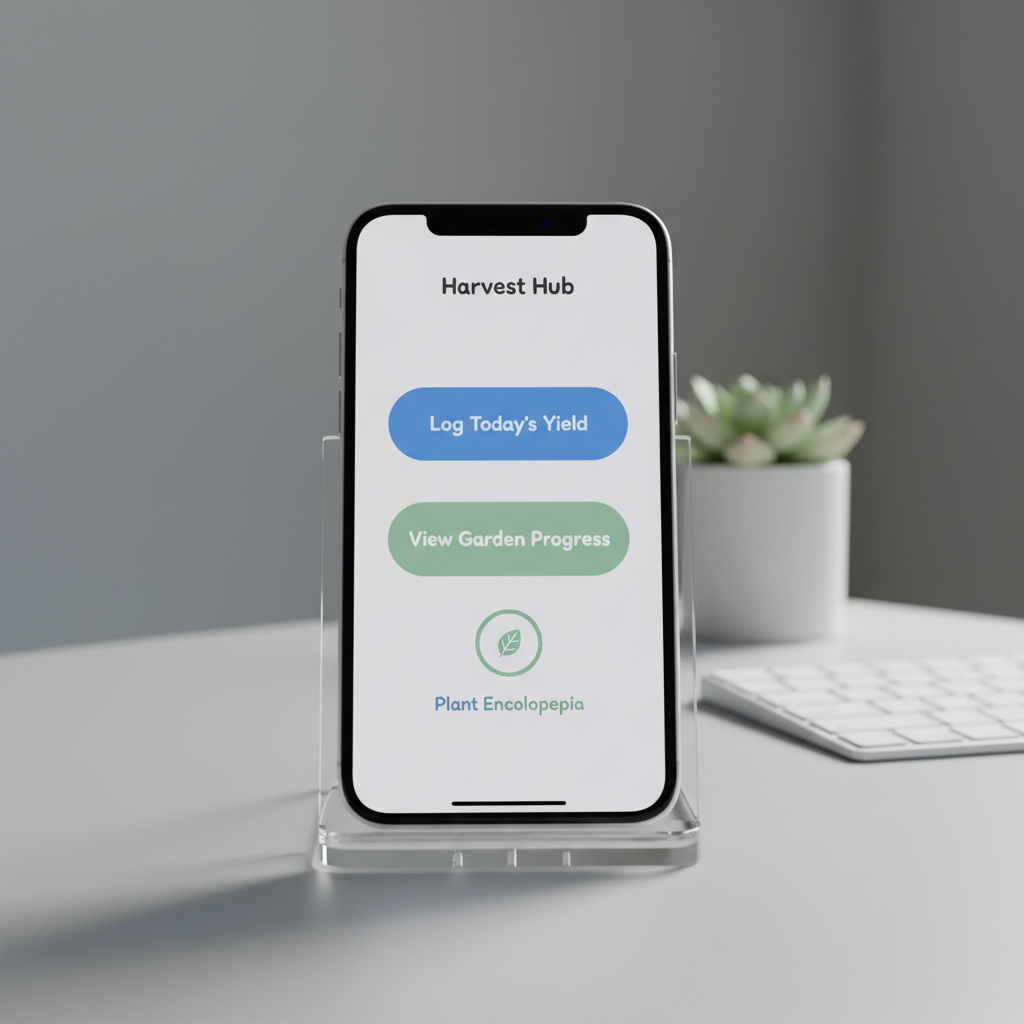
A close-up of an iPhone screen held in a clear acrylic stand on a pale gray tabletop, showcasing a single, beautifully designed iOS app interface with large, readable buttons, generous white space, and a friendly color palette of blues and soft greens. In the softly blurred background, a tidy workspace features a wireless keyboard and a small potted plant, hinting at productivity and focus. Cool, even studio lighting produces crisp reflections on the glass and precise, clean shadows beneath the stand. Shot at eye level with a centered composition and photographic realism, the mood is professional yet welcoming, highlighting the app’s simplicity and usability.

Need Help?

Tell us which HubApps iOS app you use, what went wrong, and how we can reach you.

← Back

Thank you for your response. ✨

Visit us

123 Example StreetSan Franciso, CA 12345

Hours

Monday–Friday, 9–5

Phone

(123) 456-7890
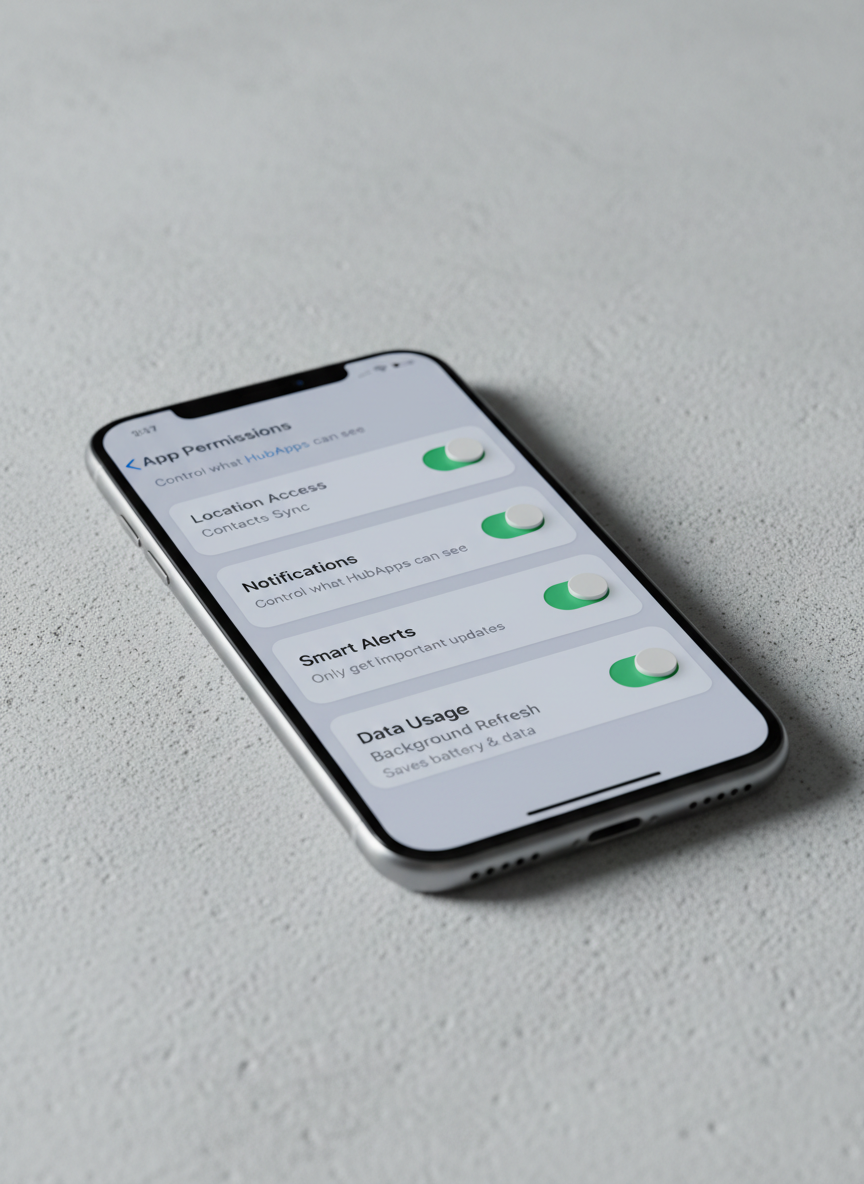
A photographic close-up of a segmented iOS settings screen on an iPhone, displaying clean toggle switches, clear labels, and friendly explanatory text that make configuration feel simple, not technical. The phone rests diagonally on a textured light concrete surface, adding subtle visual interest without distraction. Cool, soft-box studio lighting highlights the screen’s vivid clarity and the device’s brushed metal edges, while casting a gentle shadow that leads the eye across the frame. Captured from a low, side angle with shallow depth of field, the composition emphasizes the approachable interface design. The mood is reassuring and professional, reflecting how HubApps turns complex options into straightforward, user-friendly controls.

Simple Help For HubApps

Find clear answers to common HubApps questions, with step‑by‑step iOS walkthroughs designed for everyday users, not tech experts.

Is this your new site? Log in to activate admin features and dismiss this message
Log In