Simply Intuitive

We design iOS apps that remove noise, respect your time, and just work.
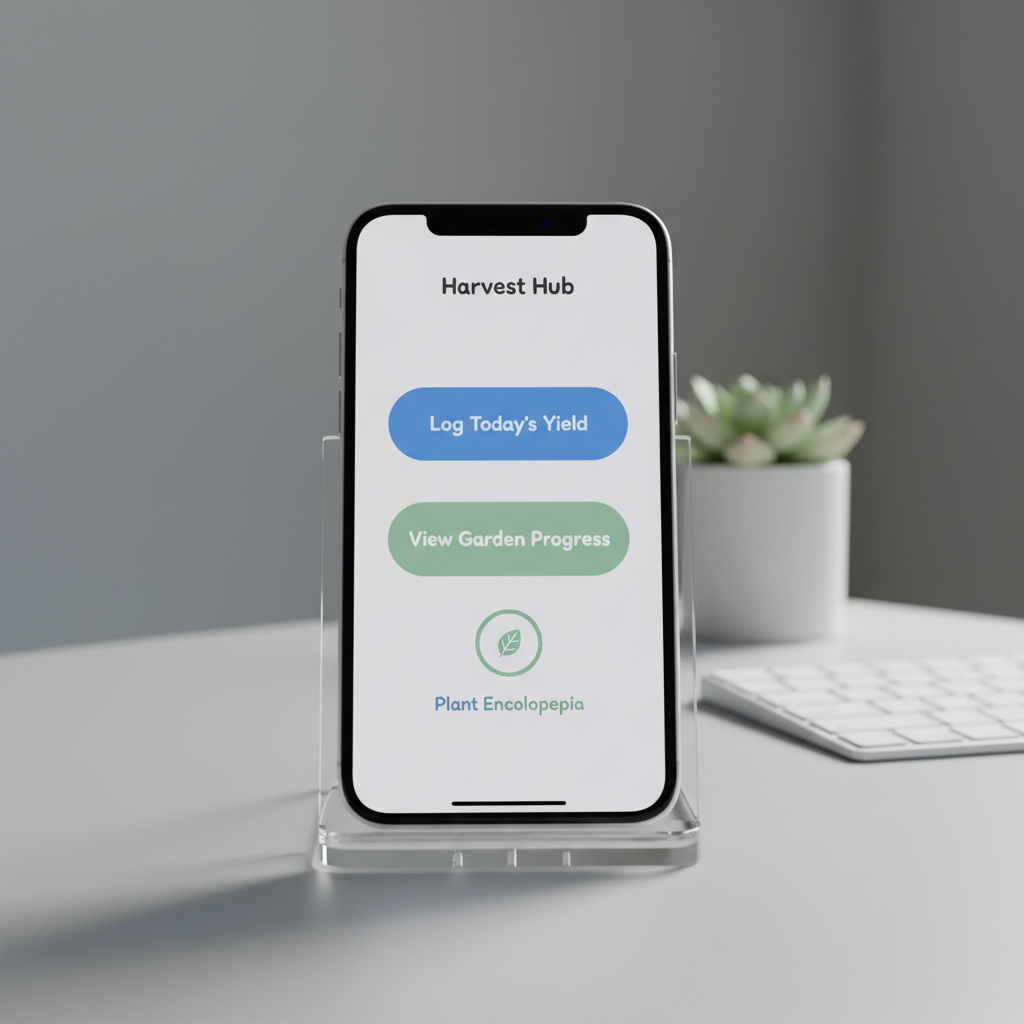
A close-up of an iPhone screen held in a clear acrylic stand on a pale gray tabletop, showcasing a single, beautifully designed iOS app interface with large, readable buttons, generous white space, and a friendly color palette of blues and soft greens. In the softly blurred background, a tidy workspace features a wireless keyboard and a small potted plant, hinting at productivity and focus. Cool, even studio lighting produces crisp reflections on the glass and precise, clean shadows beneath the stand. Shot at eye level with a centered composition and photographic realism, the mood is professional yet welcoming, highlighting the app’s simplicity and usability.

Meet HubApps

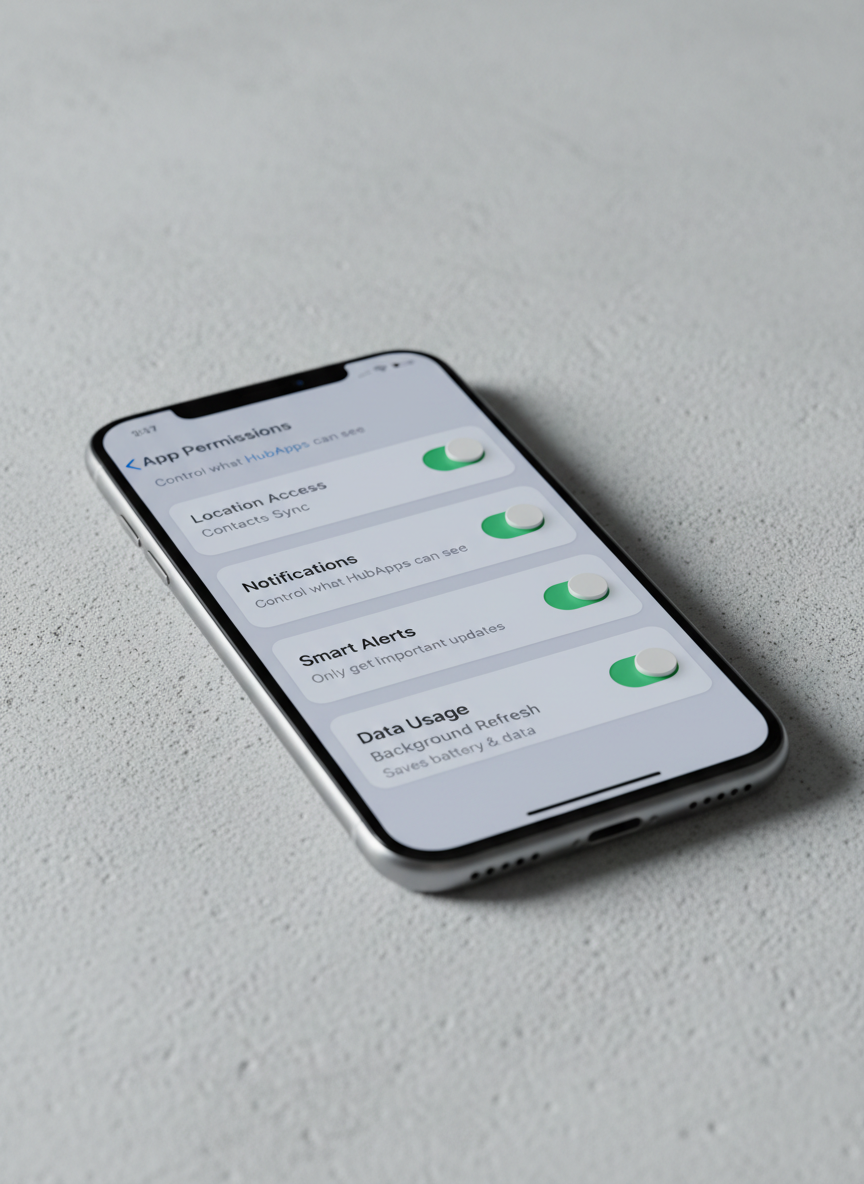
A photographic close-up of a segmented iOS settings screen on an iPhone, displaying clean toggle switches, clear labels, and friendly explanatory text that make configuration feel simple, not technical. The phone rests diagonally on a textured light concrete surface, adding subtle visual interest without distraction. Cool, soft-box studio lighting highlights the screen’s vivid clarity and the device’s brushed metal edges, while casting a gentle shadow that leads the eye across the frame. Captured from a low, side angle with shallow depth of field, the composition emphasizes the approachable interface design. The mood is reassuring and professional, reflecting how HubApps turns complex options into straightforward, user-friendly controls.

CHEAT-Meal

A close-up of an iPhone screen held in a clear acrylic stand on a pale gray tabletop, showcasing a single, beautifully designed iOS app interface with large, readable buttons, generous white space, and a friendly color palette of blues and soft greens. In the softly blurred background, a tidy workspace features a wireless keyboard and a small potted plant, hinting at productivity and focus. Cool, even studio lighting produces crisp reflections on the glass and precise, clean shadows beneath the stand. Shot at eye level with a centered composition and photographic realism, the mood is professional yet welcoming, highlighting the app’s simplicity and usability.

BudgetTIME

A photographic close-up of a segmented iOS settings screen on an iPhone, displaying clean toggle switches, clear labels, and friendly explanatory text that make configuration feel simple, not technical. The phone rests diagonally on a textured light concrete surface, adding subtle visual interest without distraction. Cool, soft-box studio lighting highlights the screen’s vivid clarity and the device’s brushed metal edges, while casting a gentle shadow that leads the eye across the frame. Captured from a low, side angle with shallow depth of field, the composition emphasizes the approachable interface design. The mood is reassuring and professional, reflecting how HubApps turns complex options into straightforward, user-friendly controls.

BudgetMONEY

Where Simple Ideas Became Apps

HubApps started as weekend experiments, shaped by everyday frustrations with cluttered, confusing mobile apps.

A photographic close-up of a segmented iOS settings screen on an iPhone, displaying clean toggle switches, clear labels, and friendly explanatory text that make configuration feel simple, not technical. The phone rests diagonally on a textured light concrete surface, adding subtle visual interest without distraction. Cool, soft-box studio lighting highlights the screen’s vivid clarity and the device’s brushed metal edges, while casting a gentle shadow that leads the eye across the frame. Captured from a low, side angle with shallow depth of field, the composition emphasizes the approachable interface design. The mood is reassuring and professional, reflecting how HubApps turns complex options into straightforward, user-friendly controls.
A close-up of an iPhone screen held in a clear acrylic stand on a pale gray tabletop, showcasing a single, beautifully designed iOS app interface with large, readable buttons, generous white space, and a friendly color palette of blues and soft greens. In the softly blurred background, a tidy workspace features a wireless keyboard and a small potted plant, hinting at productivity and focus. Cool, even studio lighting produces crisp reflections on the glass and precise, clean shadows beneath the stand. Shot at eye level with a centered composition and photographic realism, the mood is professional yet welcoming, highlighting the app’s simplicity and usability.
A photographic close-up of a segmented iOS settings screen on an iPhone, displaying clean toggle switches, clear labels, and friendly explanatory text that make configuration feel simple, not technical. The phone rests diagonally on a textured light concrete surface, adding subtle visual interest without distraction. Cool, soft-box studio lighting highlights the screen’s vivid clarity and the device’s brushed metal edges, while casting a gentle shadow that leads the eye across the frame. Captured from a low, side angle with shallow depth of field, the composition emphasizes the approachable interface design. The mood is reassuring and professional, reflecting how HubApps turns complex options into straightforward, user-friendly controls.

Contact HubApps

For press, partnerships, or feedback, email briandhubbard@gmail.com and we’ll respond quickly.

← Back

Thank you for your response. ✨