HubApps Library

Discover intuitive iOS apps with clean design, clear features, and direct downloads.
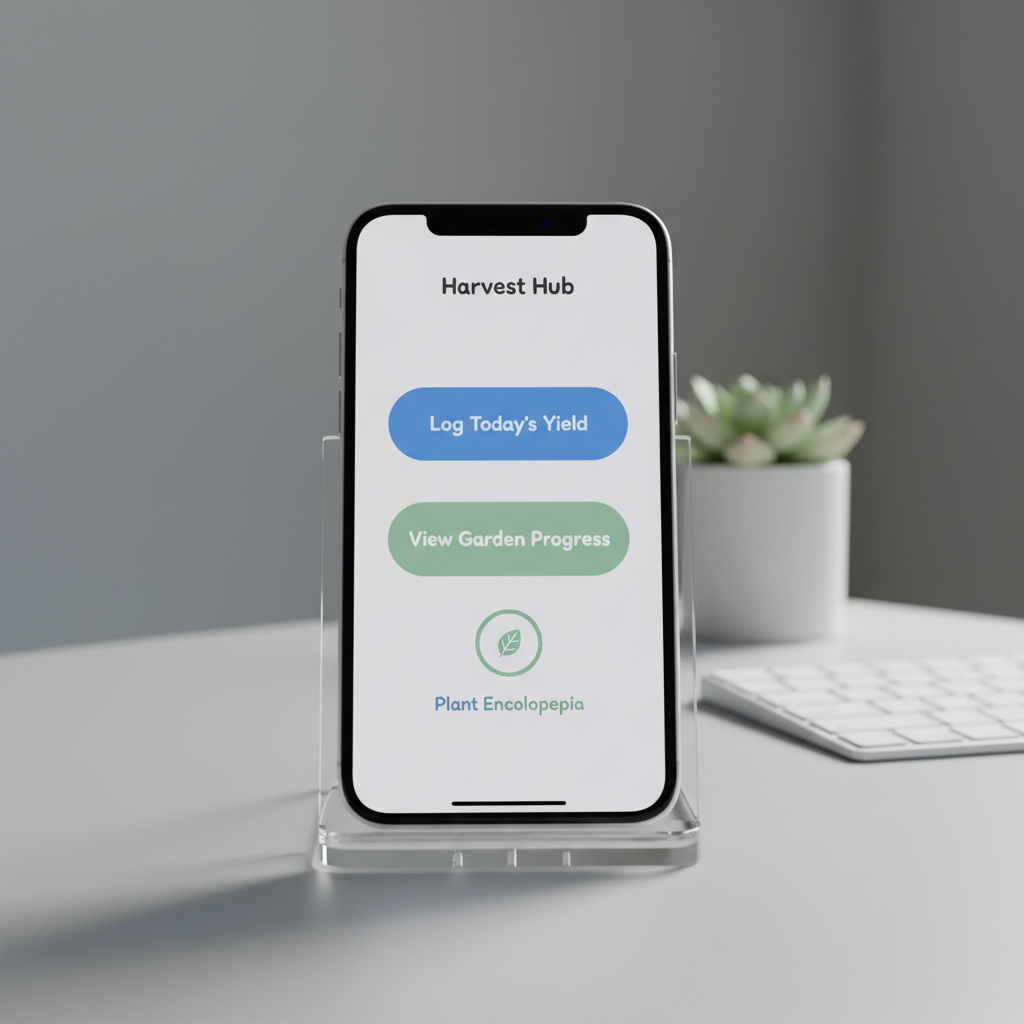
A close-up of an iPhone screen held in a clear acrylic stand on a pale gray tabletop, showcasing a single, beautifully designed iOS app interface with large, readable buttons, generous white space, and a friendly color palette of blues and soft greens. In the softly blurred background, a tidy workspace features a wireless keyboard and a small potted plant, hinting at productivity and focus. Cool, even studio lighting produces crisp reflections on the glass and precise, clean shadows beneath the stand. Shot at eye level with a centered composition and photographic realism, the mood is professional yet welcoming, highlighting the app’s simplicity and usability.

Our iOS Apps

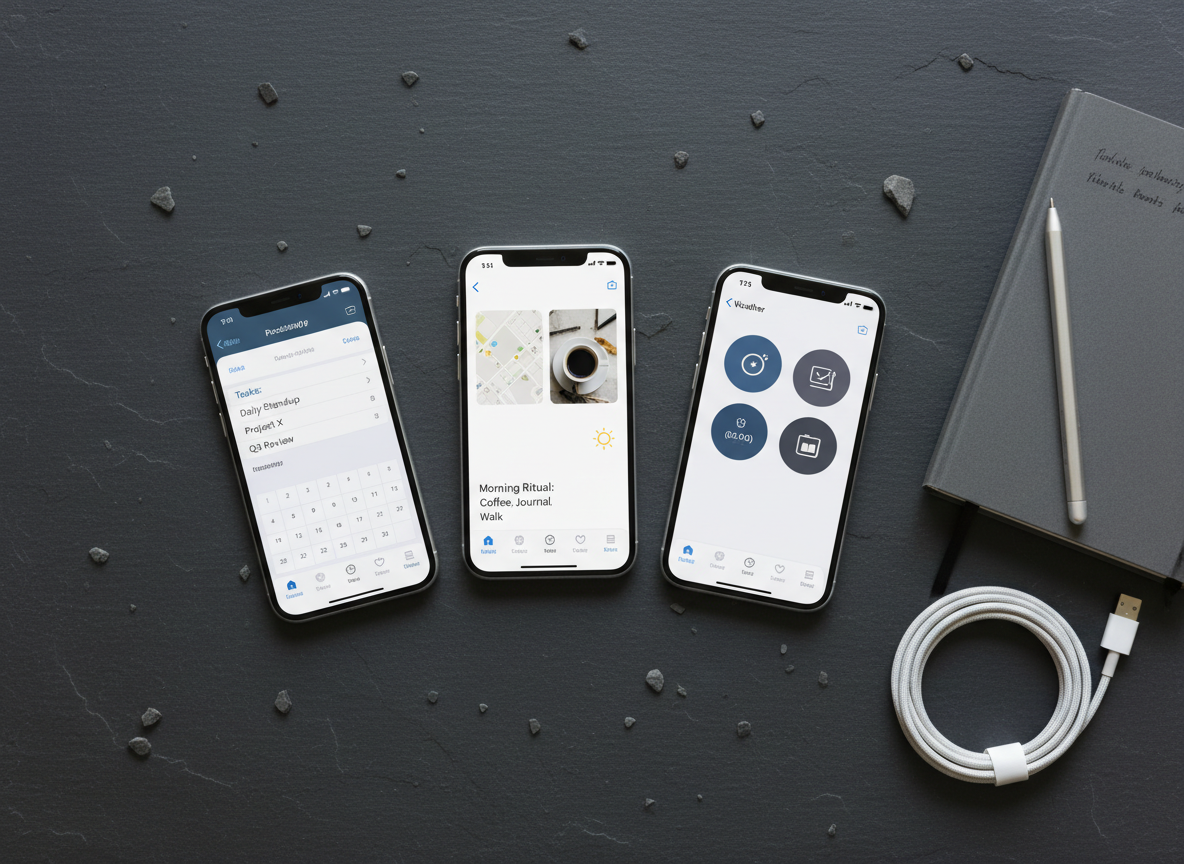
A bird’s-eye view of a dark slate desk where three different iPhones are neatly aligned in a subtle arc, each showing a distinct iOS app screen: one for productivity, one for lifestyle, and one for utilities, all sharing the same clean, intuitive visual language. The devices sit beside a graphite notebook, a slim silver stylus, and a neatly coiled white charging cable. Soft overhead lighting creates clear, defined shapes without harsh glare, emphasizing the smooth glass and metal finishes. The photographic composition uses rule of thirds with sharp focus throughout, conveying an organized, professional, yet down-to-earth feel that reflects simple apps designed for simple needs.

1

All apps list

Browse every HubApps iOS app with quick descriptions and App Store links.

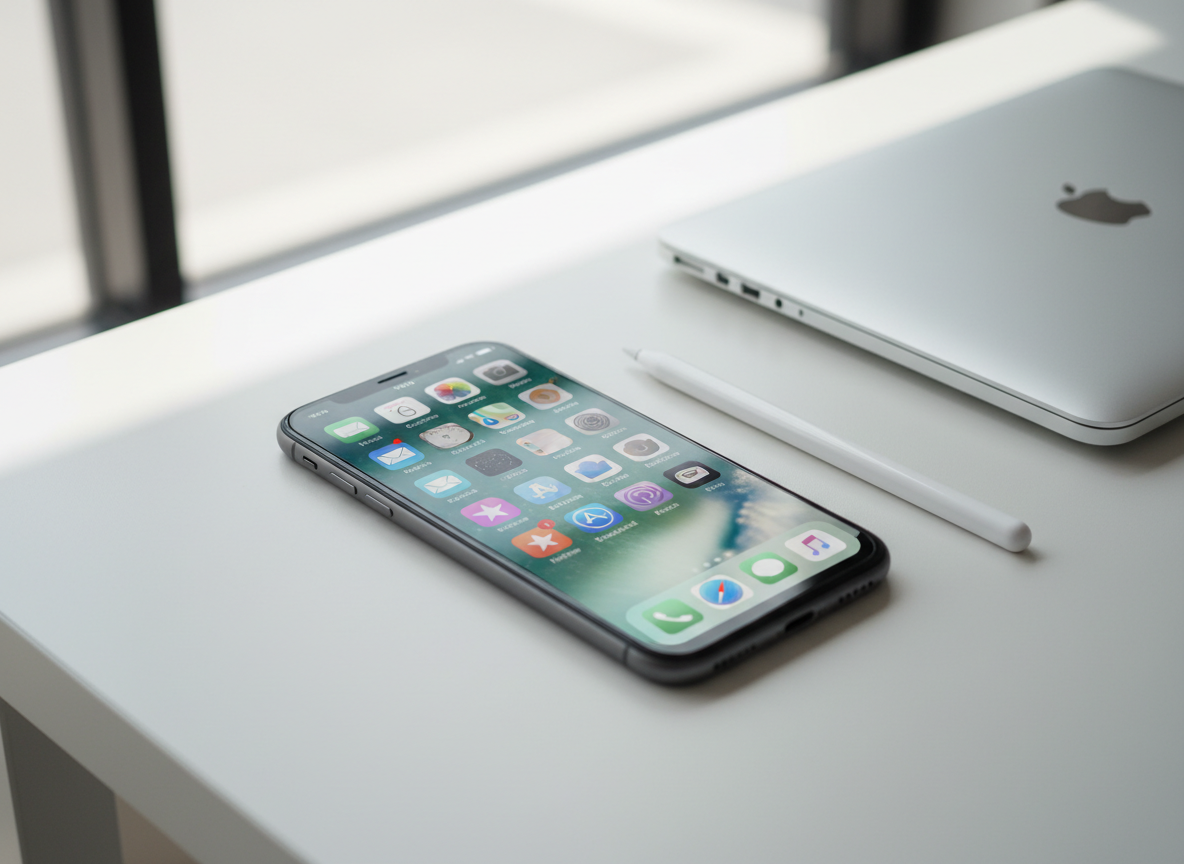
A sleek, modern iPhone lying flat on a clean white desk, its screen displaying a simple, intuitive home screen of neatly arranged app icons with soft, rounded corners and calm pastel colors. Beside it rests a minimalist aluminum Apple Pencil and a closed silver laptop, slightly out of focus. Soft, diffused daylight enters from the left, creating gentle reflections on the glass screen and subtle shadows along the phone’s beveled edges. Captured at a slightly elevated three-quarter angle with shallow depth of field, the photographic realism emphasizes clarity and simplicity. The atmosphere feels calm, professional, and approachable, visually expressing intuitive iOS apps built for everyday users.

2

Instant download

Tap any app card to see screenshots, details, and supported devices.

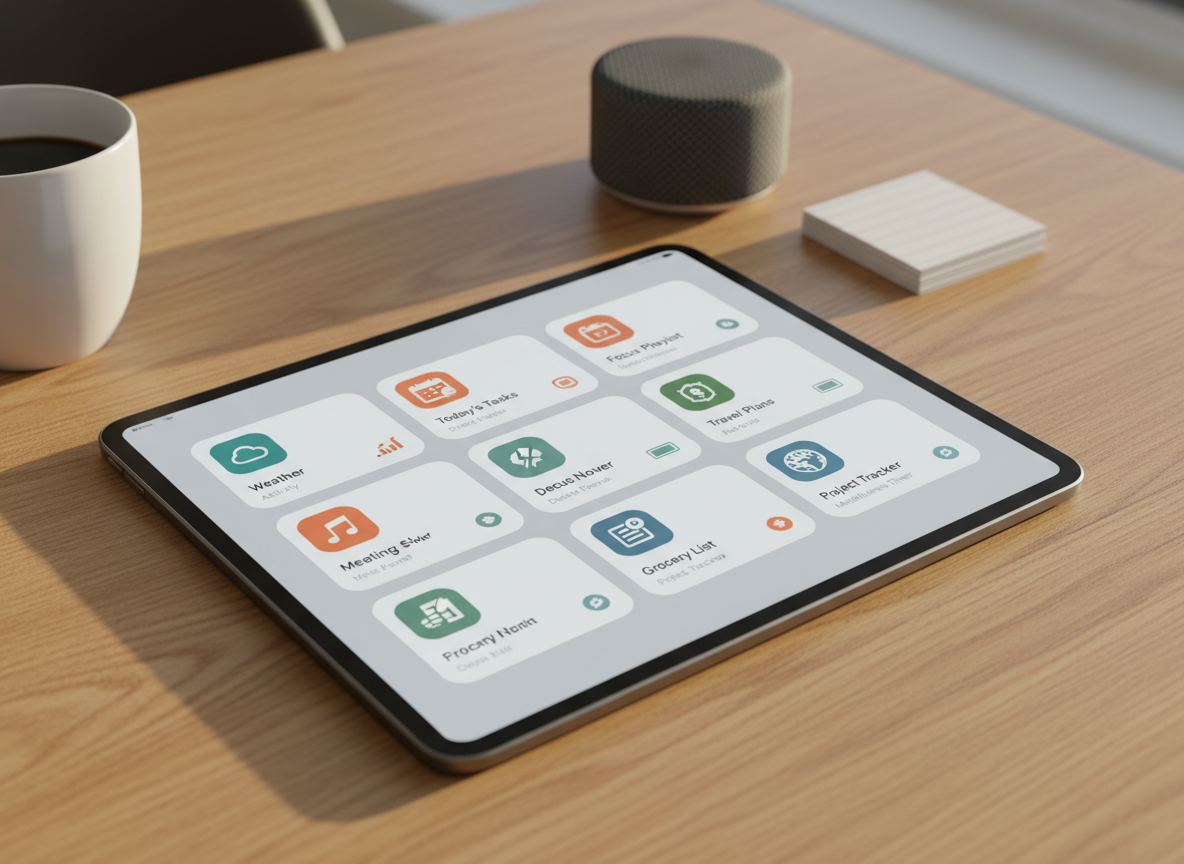
An iPad resting on a warm, light-wood table, its display filled with a dashboard of multiple HubApps-style iOS widgets arranged in an orderly grid, each with bold icons, legible typography, and restrained accent colors. Around the tablet are a few carefully placed objects: a white ceramic mug, a small stack of index cards, and a compact wireless speaker, all slightly blurred to keep focus on the interface. Late afternoon natural light from a nearby window casts a soft golden tone, creating delicate highlights along the tablet’s edges. Photographic realism with a slightly elevated angle and medium depth of field produces a comforting, practical atmosphere, emphasizing everyday usability and clarity.

3

Simple app icons

Designed for iPhone and iPad, with light, clutter‑free interfaces.

A minimalist app icon design showcased on a floating iPhone screen against a softly blurred gradient background of pale blue transitioning to gentle lavender. The icon features a simple, abstract hub shape in crisp white with subtle shadows, suggesting connectivity and organization, set on a calming teal square with rounded corners. Subtle studio rim lighting around the phone’s edges separates it cleanly from the background, while a faint reflection beneath enhances the photographic realism. The composition is centered with generous negative space, creating an elegant, professional mood. The atmosphere is clean and modern, ideal for representing a technology brand focused on intuitive, easy-to-use iOS apps.

4

No ads

Every download links directly and securely to the official App Store.

About

We build iOS apps that feel obvious to use, with big buttons, plain language, and thoughtful defaults that respect your time and privacy.
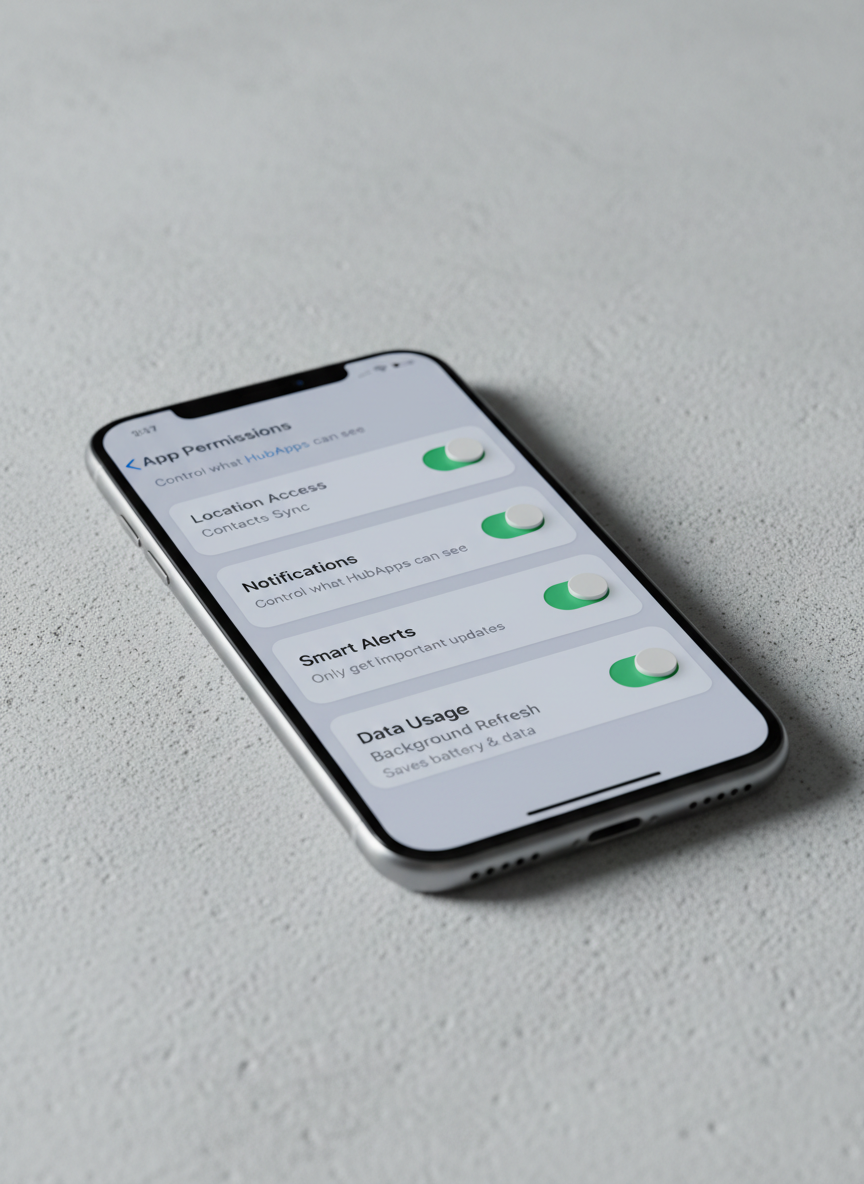
A photographic close-up of a segmented iOS settings screen on an iPhone, displaying clean toggle switches, clear labels, and friendly explanatory text that make configuration feel simple, not technical. The phone rests diagonally on a textured light concrete surface, adding subtle visual interest without distraction. Cool, soft-box studio lighting highlights the screen’s vivid clarity and the device’s brushed metal edges, while casting a gentle shadow that leads the eye across the frame. Captured from a low, side angle with shallow depth of field, the composition emphasizes the approachable interface design. The mood is reassuring and professional, reflecting how HubApps turns complex options into straightforward, user-friendly controls.

Reviews

Rating: 4.5 out of 5.

HubApps nailed what I wanted: simple iPhone tools that just work every day.

Alex R.

Rating: 4.5 out of 5.

No clutter, no confusing menus—each app does one thing clearly and reliably.

Mia Chen

Rating: 4.5 out of 5.

Even my parents use these apps without questions; that’s how straightforward they are.

Jordan P.

Is this your new site? Log in to activate admin features and dismiss this message
Log In